How to Print Pattern Templates at Actual Size
Set the print scale to 100%, which some programs call "Actual size", and turn off "Fit to page". Then measure the check bar on the first page with a ruler before you cut anything.
Why templates print too small
Most print dialogs shrink a page slightly so nothing falls in the printer's margins. That is fine for a letter and wrong for a template: a shape that prints at 94% no longer matches the board it was drawn for.
The setting to change
- Open the PDF in a PDF reader on a computer, not in a browser preview if you can avoid it.
- In the print dialog, find the scale or page sizing option.
- Choose "Actual size" or type 100%. Turn off "Fit", "Fit to page", "Shrink oversized pages" and "Scale to fit".
- Print on US Letter paper (8.5 × 11 in).
- Print one page first.
Check it with a ruler
Every Craft Booklet template page has a bar marked 4 in. Measure it. If it is 4 in long, every shape on the page is the right size. If it is short, the scale setting did not take.
Printing from a phone
Phone print screens often hide the scale option or always fit to the page. If the bar measures short, send the file to a computer, or have it printed at a copy shop and ask for 100% with no scaling.
Moving the shape onto wood
- Cut the paper shape out and trace around it with a pencil.
- Or rub pencil on the back of the page, tape it down and draw over the lines to transfer them.
- For lettering, graphite transfer paper under the page gives the cleanest line to paint to.
You do not have to print everything
Only the template pages need paper. The plan pages read well on a phone or tablet in the workshop.
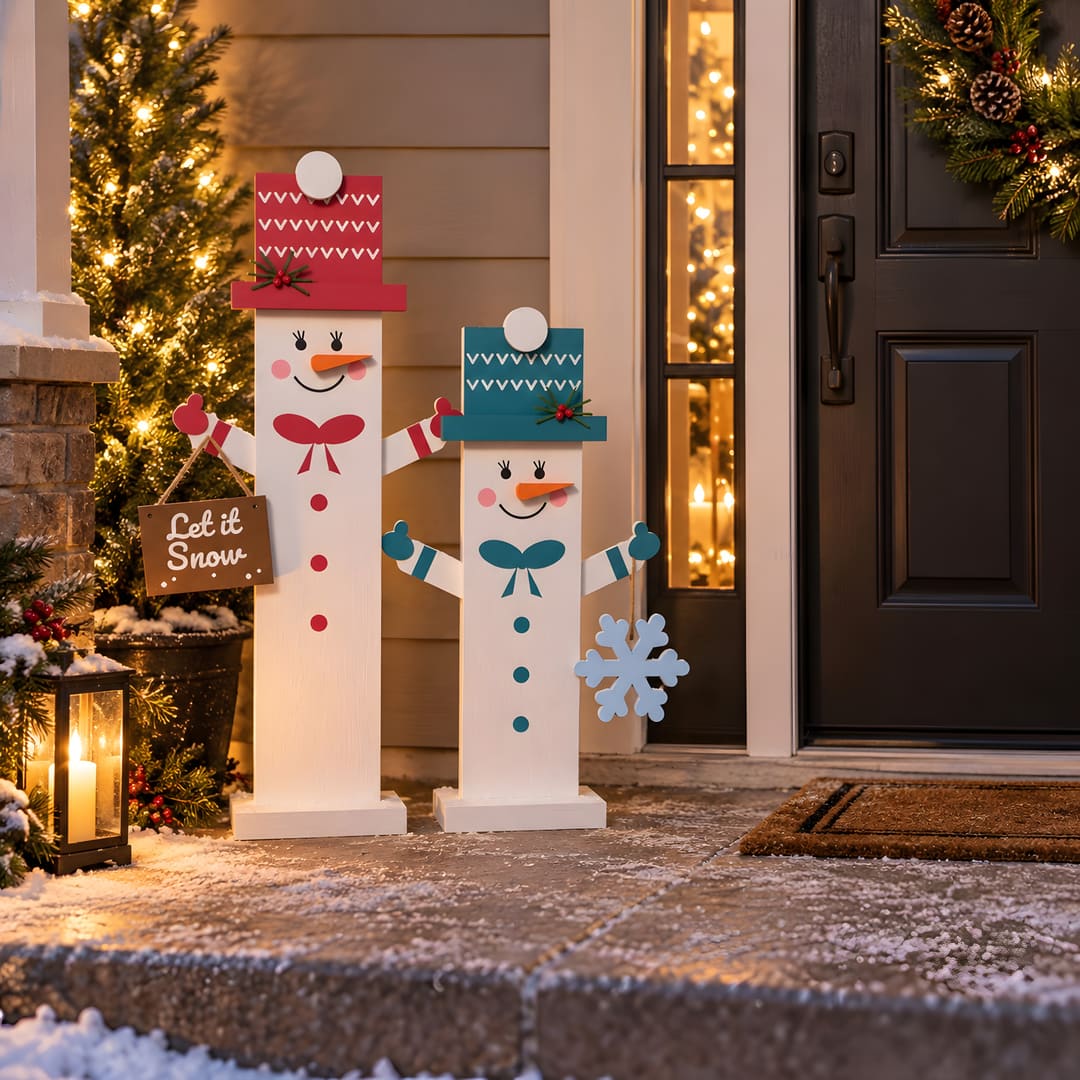
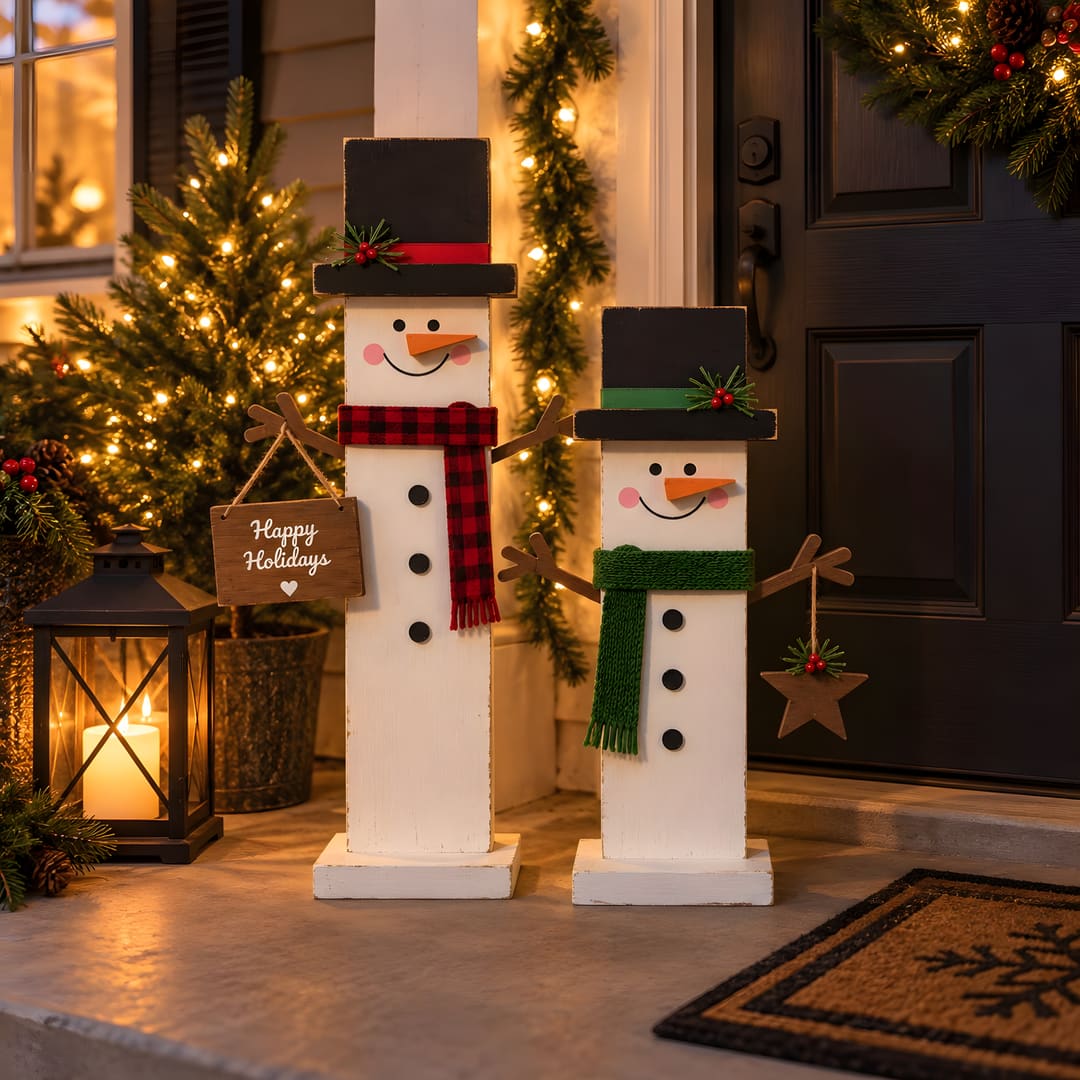
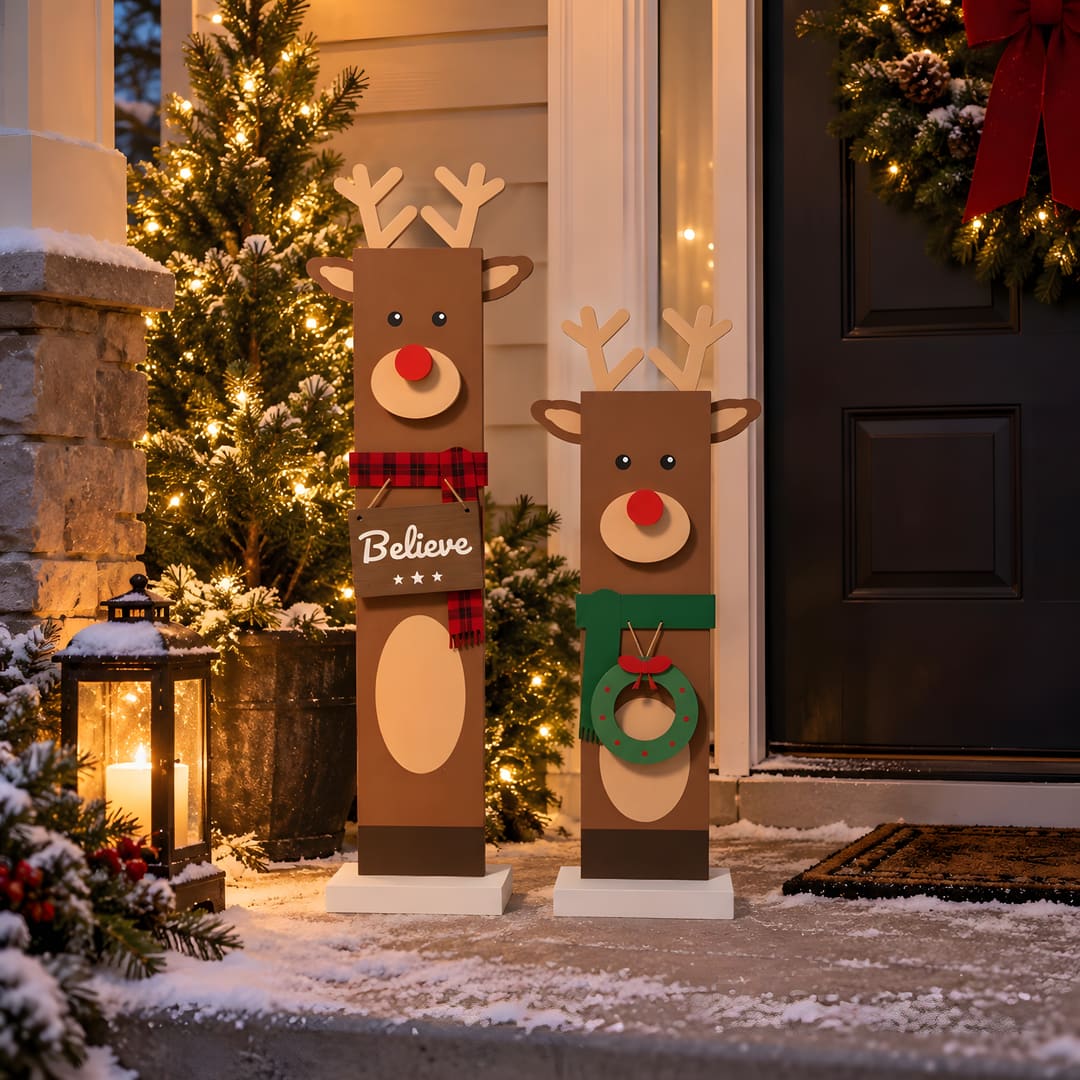
The pictures of finished projects in this shop are rendered previews made from the design; see About.